

Apple Watch + iPhone

Home Assistant, on your wrist.

WristAssistant turns your Apple Watch into a fast, purpose-built control surface for Home Assistant. Build pages on your iPhone, then tap lights, locks, climate, cameras, scripts, and more without digging for your phone.

  • 46 entity types with dedicated controls
  • One-time premium upgrade, no subscription
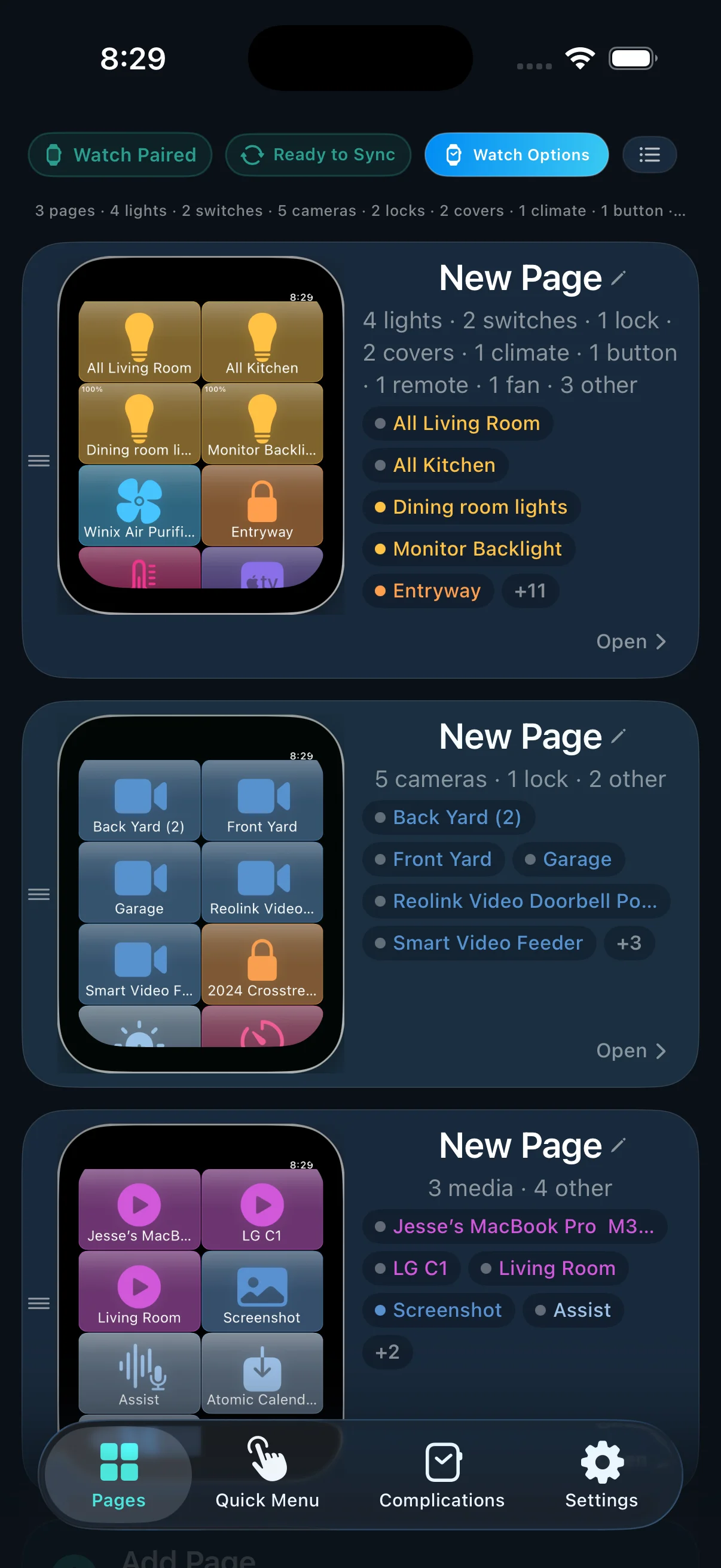
WristAssistant iPhone onboarding and setup preview

Built for real Home Assistant homes

Rooms, routines, cameras, quick actions, complications, voice, and notifications.

Direct when possible. The watch connects over Wi-Fi or through your iPhone when needed.
watchOS 11+

Native Apple Watch experience with complications, widgets, quick actions, and motion gestures.

46 domains

Lights, locks, covers, climate, cameras, media, vacuums, alarms, timers, sensors, and more.

HACS-backed

Designed for Home Assistant users who want faster updates and a setup path that fits their stack.

Deep customization

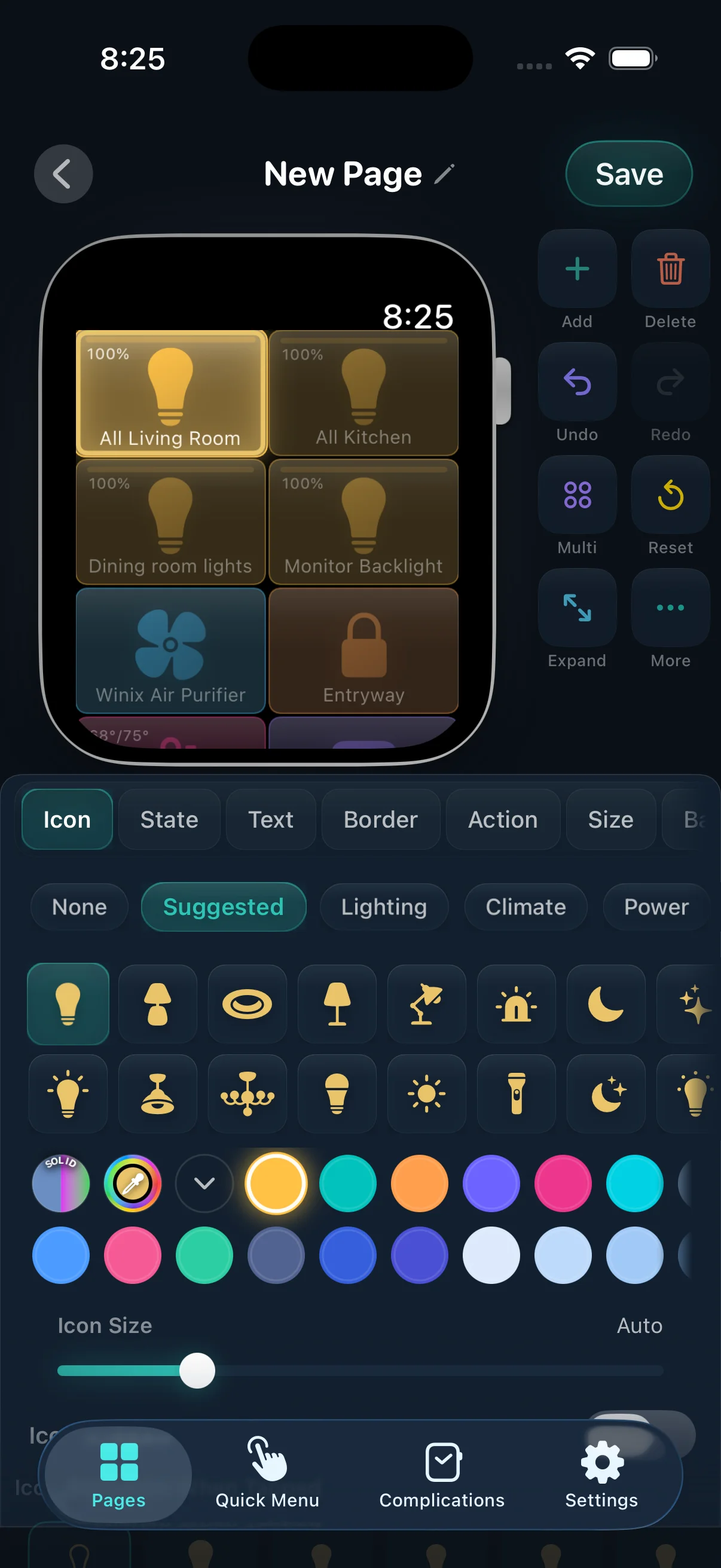
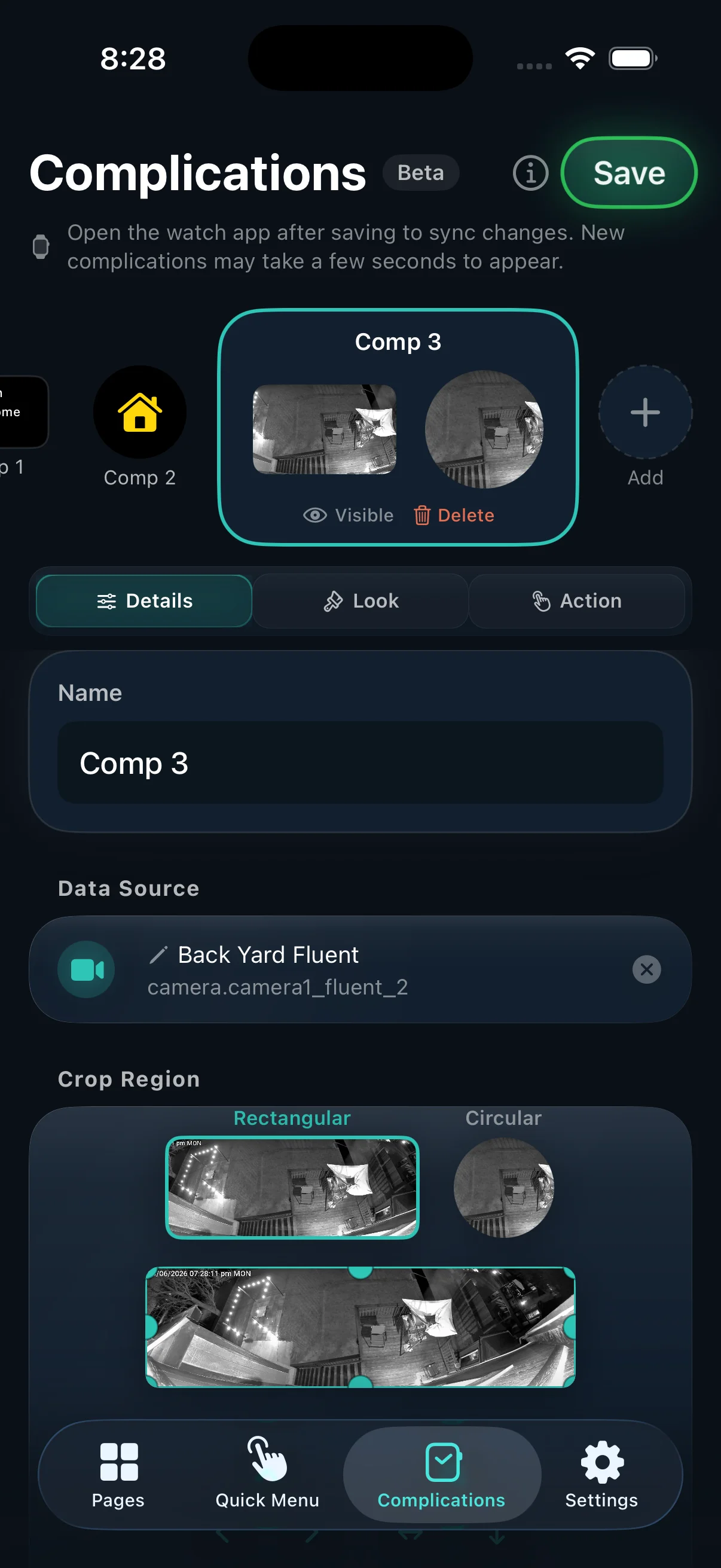
Custom pages, tile themes, groups, quick actions, template tiles, icons, and animated styles.

Why It Feels Different

Not a shrunken phone app. A watch-native control system.

Fast tile-first control

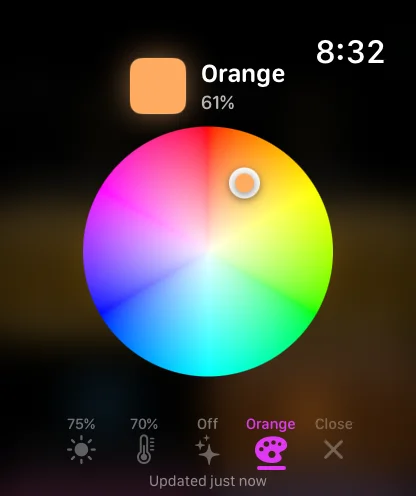
Build your own watch dashboard with pages of tiles. Tap for instant actions, long-press for radial menus, and swipe between rooms or routines.

Controls shaped for the device

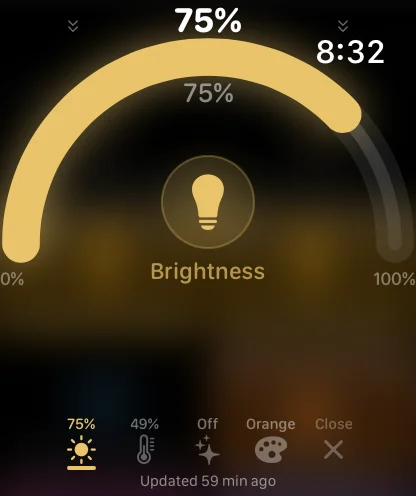
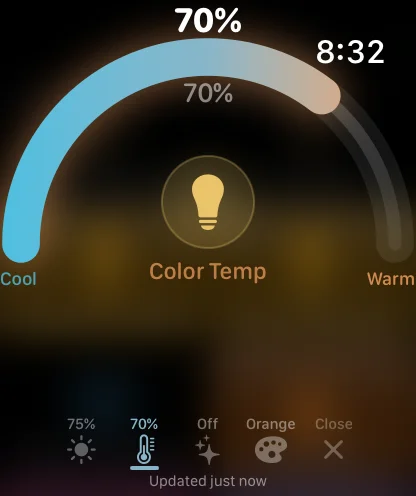
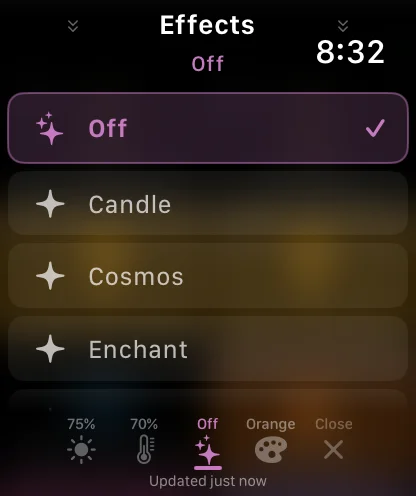
WristAssistant uses domain-aware controls for lights, climate, covers, locks, fans, media, cameras, timers, and more instead of generic toggles everywhere.

More than taps

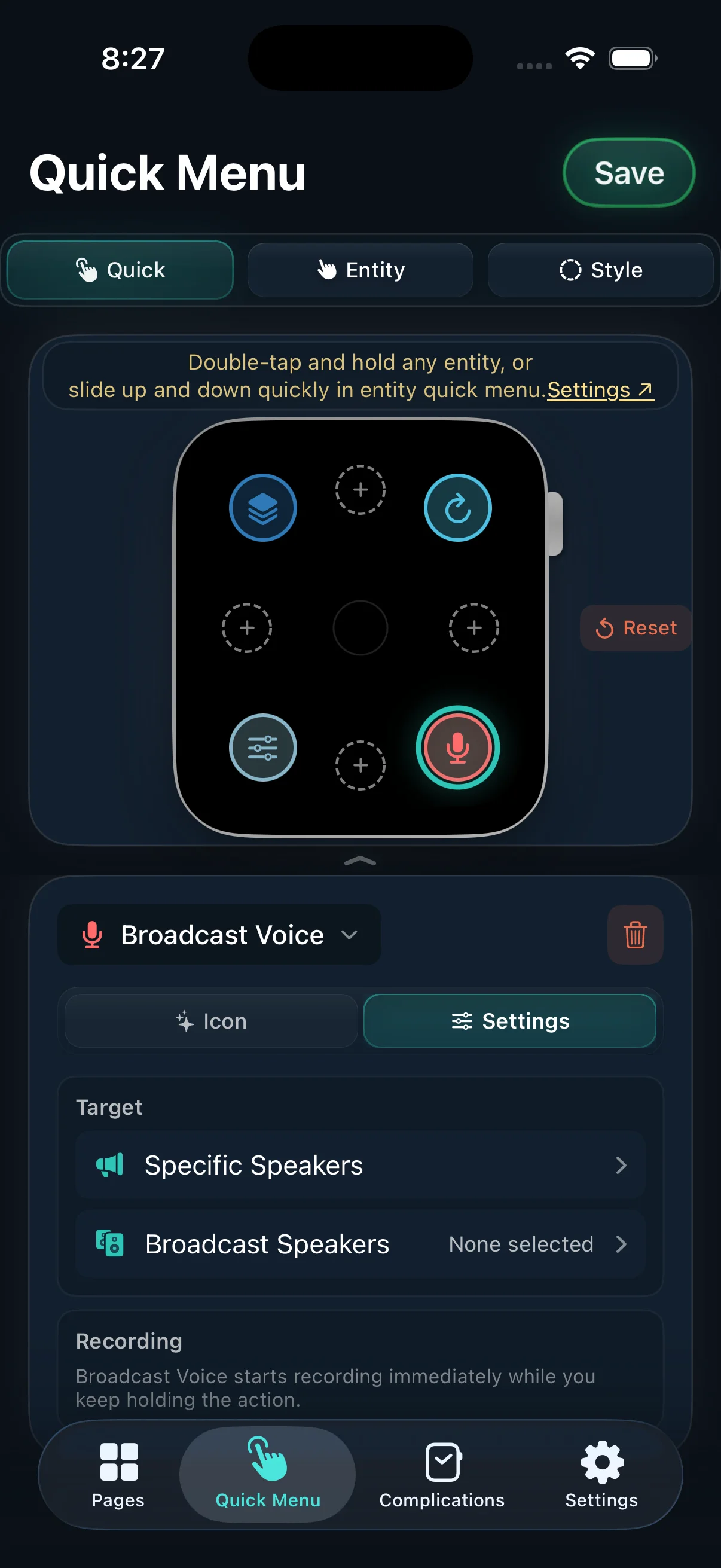
Use the Digital Crown, edge swipes, radial quick actions, voice, wrist gestures, and watch complications to move faster than a phone UI allows.

Designed for power users

Template tiles, smart pages, per-page themes, groups, camera shortcuts, room-aware switching, and custom service calls are built in.

How It Works

Build on iPhone. Control from your watch.

  1. Connect your Home Assistant server Use the iPhone app to sign in, add local and remote URLs, and install the WristAssistant integration through HACS.
  2. Lay out the pages you actually want Arrange tiles by room, routine, or device type. Resize them, add icons, tweak colors, and configure quick actions.
  3. Use it the way a watch should work Raise your wrist and control devices instantly, open cameras, run scenes, send voice commands, or jump between pages.

Trial + Premium

All features for 30 days. Premium is a one-time purchase.

Free mode stays useful, but premium unlocks unlimited pages, more complications, advanced tile styling, camera streaming, and power quick actions.

Requirements

  • iPhone with iOS 18 or later
  • Apple Watch with watchOS 11 or later
  • A working Home Assistant instance
  • HACS for the supported integration setup